
Chatbot for small business
Chatbot for small business: an AI chat on your website that answers the questions visitors type and books the appointment.
Talk or type with Victoria, our AI receptionist. Your price in about 2 minutes.
- A visitor asks on your website
- Answered in plain language
- Booked right in the chat
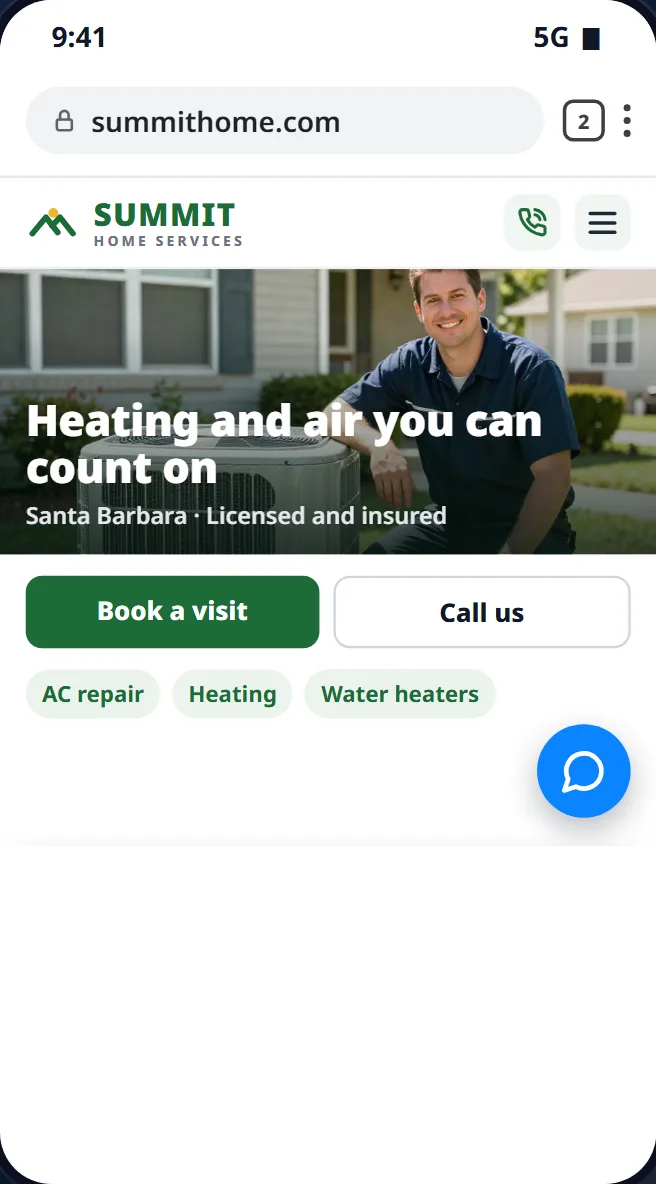
Businesses we've built for

 Yupaa Analytics
 Majesty Auto Sales
Here's how a website chat goes
A visitor opens the chat on your website: the questions, the booking, and the summary you get.
What you get
- Customer
- Priya Shah
- Address
- 77 Elm Court, Goleta
- Phone
- 805-555-0187
- Job
- Install a tankless water heater
- Booked
- Free estimate, Saturday 11:00 am
- Confirmation sent
- Answers while they're on your site
- Knows your business
- Books in the chat
- Customer:
do you install tankless water heaters?
- Victoria:
Hi! Yes, your business installs tankless water heaters, starting with a free estimate at your home. What city are you in?

- Customer:
Goleta
- Victoria:
We cover Goleta. We have estimate times Friday at 9 am or Saturday at 11 am. Would one of those work?
- Customer:
saturday
- Victoria:
Great. What name, address and phone number should I put on it?
- Customer:
Priya Shah, 77 Elm Court, 805-555-0187
- Victoria:
You're booked, Priya: Saturday at 11 am for a tankless water heater estimate at 77 Elm Court. A confirmation text is on its way.
An illustration of a typical website chat, not a real customer.
How it works
- 1
Take the free assessment
A few questions about how your business runs today.
- 2
Get your price
See it on screen before you commit to anything, and email it to yourself.
- 3
We set it up
One setup call with Nathaniel, in person in the Santa Barbara area or by phone or video.
Questions people ask
Don't see yours? Ask Victoria during the assessment, or call (805) 970-2936.
How do you add the chat to my website?
During setup we add a small piece of code to your site, so the chat button shows on every page. If your site runs on a builder like Wix, Squarespace or WordPress, we check how on the setup call.
What does it cost?
Website chat comes along with your calls, texts, email and DMs, all answered by Victoria. The free 2-minute assessment works out your price from your calls. If you're not happy in the first 30 days, we refund your first monthly payment.
Can I try it first?
Yes. The chat button on this page is Victoria answering for Cloud Conquer AI. Ask her about our services the way a customer would ask about yours.
Will visitors know they're chatting with an AI?
Victoria chats with your business name, and if someone asks who they're talking to, she says she's an AI assistant.
More questions (4)Fewer questions
Does it work in Spanish?
Yes. When a visitor writes in Spanish, Victoria answers in Spanish, and she switches if they do.
What if a chat is urgent?
Victoria asks them to call your business line. When they do, she answers and puts the call through to you if it matches your urgent-call rules.
Will it book into my scheduling software?
Bookings made in the chat land in your calendar like any other appointment. Google Calendar, Outlook, Calendly, Square, Jobber, Housecall Pro, Mindbody, Open Dental and Buildium connect directly; anything else we check on the setup call.
What does setup take from me?
One setup call with Nathaniel, after the free 2-minute assessment: your hours, the jobs Victoria can book and your urgent-call rules. Victoria answers your calls once setup is done, and your website chat once it's on your site.
The details
In short
An AI chatbot for your website answers the questions visitors type into the chat on your site and books the appointment.
Cloud Conquer AI's is Victoria, an AI receptionist who answers your website chat day or night, in English or Spanish, from your services, hours and prices, books the job into your calendar and sends you a summary.
She's the same Victoria who answers your calls, texts, email and social messages, and we add her chat to your website during setup.
You set her up with Nathaniel Ross, who founded Cloud Conquer AI and runs it from Santa Barbara, starting with the free 2-minute assessment.
What happens when a visitor opens the chat
- A visitor on your website opens the chat and types a question.
- Victoria answers right away with your business name, at any hour.
- She answers from what you loaded at setup: your services, hours, service area, and the prices or ranges you choose to share.
- When they're ready, she offers open times, books the job into your calendar and asks for a phone number or email for the confirmation.
- If it's urgent, she asks them to call your business line, so your urgent-call rules can ring you.
- You get a summary of the chat and anything she booked.
Why add chat to your website
Some visitors won't call: they're at work, on a bus, or would just rather type.
A chat lets them ask the one question that decides whether they book, like whether you cover their area or have an opening this week.
A contact form makes them wait for a reply. In the chat, Victoria answers while they're still on your site, and books the job before they open the next search result.
Try her on this website
The chat button on this page is Victoria, answering for Cloud Conquer AI. Ask her what you'd want your customers to ask, and see how she answers.
Compared with your other options
- Answering chat yourself: a chat app sends you each message, and it works when you can reply before the visitor leaves the page.
- An auto-reply chatbot: answers from a fixed menu of buttons; anything else waits for you.
- A contact form only: the visitor fills it in and waits for you to get back to them.
- Victoria: answers right away from your setup, books the job and sends you a summary. Website chat is answered along with your calls, texts, email and DMs.
By Nathaniel Ross, founder · Updated
See your price in about 2 minutes
Free. No packages. Only what your business needs.